Stirling PDF replaces the subscription PDF toolbox for teams that would rather keep documents internal. It runs as a web application — usually from a Docker container you host yourself — and provides the whole familiar menu: merge, split, rotate, compress, convert, watermark, OCR, sign, redact and more.
With roughly 93,000 stars on GitHub it is one of the most popular self-hosted utilities in this category, and the appeal is simple: contracts, invoices and ID documents never travel to a third-party website.
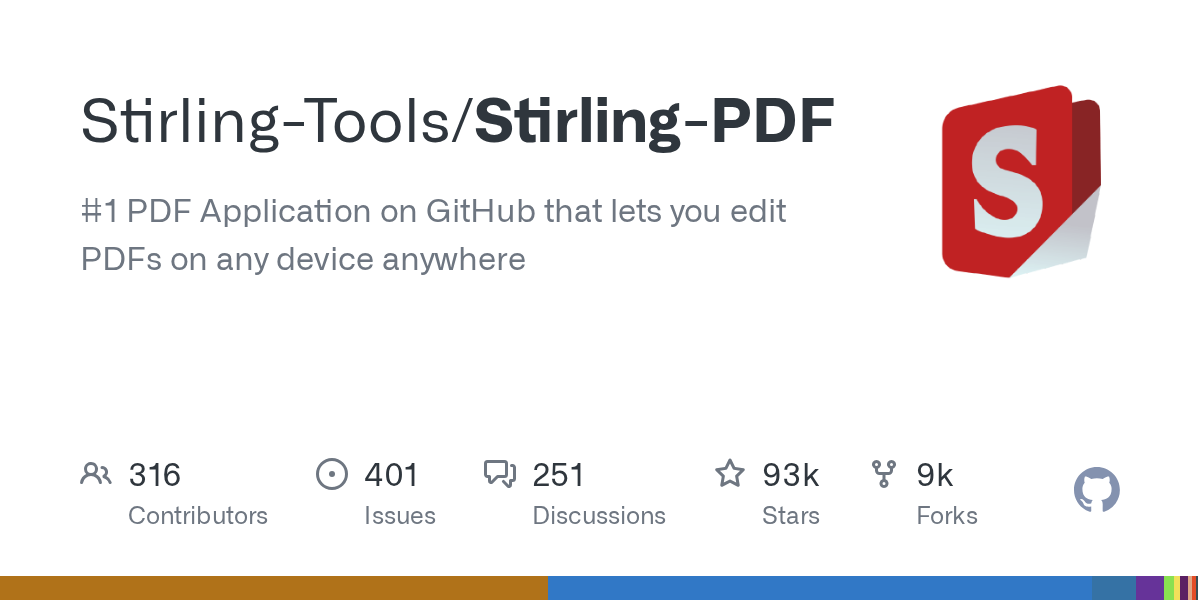
Image: auto-generated social card of the Stirling-Tools/Stirling-PDF GitHub repository. (github.com/Stirling-Tools/Stirling-PDF)
What it covers
- Document assembly: merge, split, rotate, organise pages
- Conversion between PDF, images and Office formats
- OCR and compression for scanned or oversized files
- Privacy tools: redaction, metadata removal, signing
What to know before you switch
The trade-off is operational. You are responsible for running and updating the container, and OCR or large conversions want more CPU and memory than a document tool suggests. If you cannot host it, the convenience advantage over a hosted service disappears.
Who it fits
Small businesses and agencies handling client documents under confidentiality obligations, and anyone who wants a PDF toolkit on a laptop or home server without per-seat fees.