The migration request almost never says “ClickUp can’t do this”. It arrives as a screenshot of the sidebar: a Space called Marketing, a Folder called Campaigns, a List called Q4, and the same twelve tasks again in a Gantt, a Timeline, a Workload chart and two hand-maintained dashboards. Nobody is sure which view is canonical.
That is not a feature gap, and it changes what counts as a good alternative. The question is which tool removes that layer. As of November 2026, ClickUp’s free tier still offers unlimited members with 60MB of storage and 100 automation actions per workspace a month; Core starts at about $9 per user a month billed yearly, Business at about $17 (clickup.com/pricing). The ones who shouldn’t stay are paying for structure they don’t use.
Four questions before you compare anything
Start with how many people open something other than a board or a list. If timeline and workload are used by two project managers while everyone else lives in List view, a board-first tool is a cleanup. If thirty people plan in Gantt with dependencies, Trello will hurt, and the answer may be to prune the hierarchy and stay.
Then count edit seats: “free” means different things. ClickUp gives unlimited members and guests with full edit rights but caps automations at 100 actions per workspace a month and storage at 60MB. Trello stops at ten collaborators and ten boards; Plane covers twelve users.
Automation and API is the third filter. ClickUp’s Core tier includes 1,000 actions a month; webhooks, email and SMS actions sit on Business. If your rules create tasks from forms or ping Slack, check the action cap before the feature list. Data residency is the fourth, and it changes the shortlist completely.
Matching the tool to the friction
If the complaint is “too many views, too many levels”, Trello is the cleanest reset: one container, the board, one unit, the card. Free is enough to trial with ten people; Standard at about $5 per user a month adds unlimited boards and 1,000 command runs. You lose native dependencies and reporting. Our Trello migration guide covers what breaks in a move.
If the team is engineering and the mess is sprint structure, Plane is the closest thing to a modern Jira without the configuration tax. Free covers twelve users, Pro is about $6 per seat a month billed yearly, and it is AGPL and self-hostable. Cycles and modules map to how developers already think. It is younger software: check its importers first, with CSV as fallback.
If documents and tasks kept splitting across two tools, Notion’s databases absorb both, at the cost of task depth: no reliable recurring rules, manual dependencies, and about $10 per seat a month with AI metered in credits. More detail sits in our Notion alternatives breakdown.
If owning the data is the requirement, Vikunja is AGPLv3, free to self-host, with list, kanban, gantt and table views plus a hosted cloud from about €4 a month. AppFlowy is the heavier bet — documents, databases, boards, local-first sync, roughly 77k GitHub stars, and a full profile here. Budget a weekend for Docker and backups.
Focalboard deserves a warning, not a recommendation. It works for personal desktop boards, but its README says plainly that the repository is not maintained. Don’t move a team onto software waiting for a maintainer. And if the feature your team actually used was the whiteboard, that is a different decision entirely.
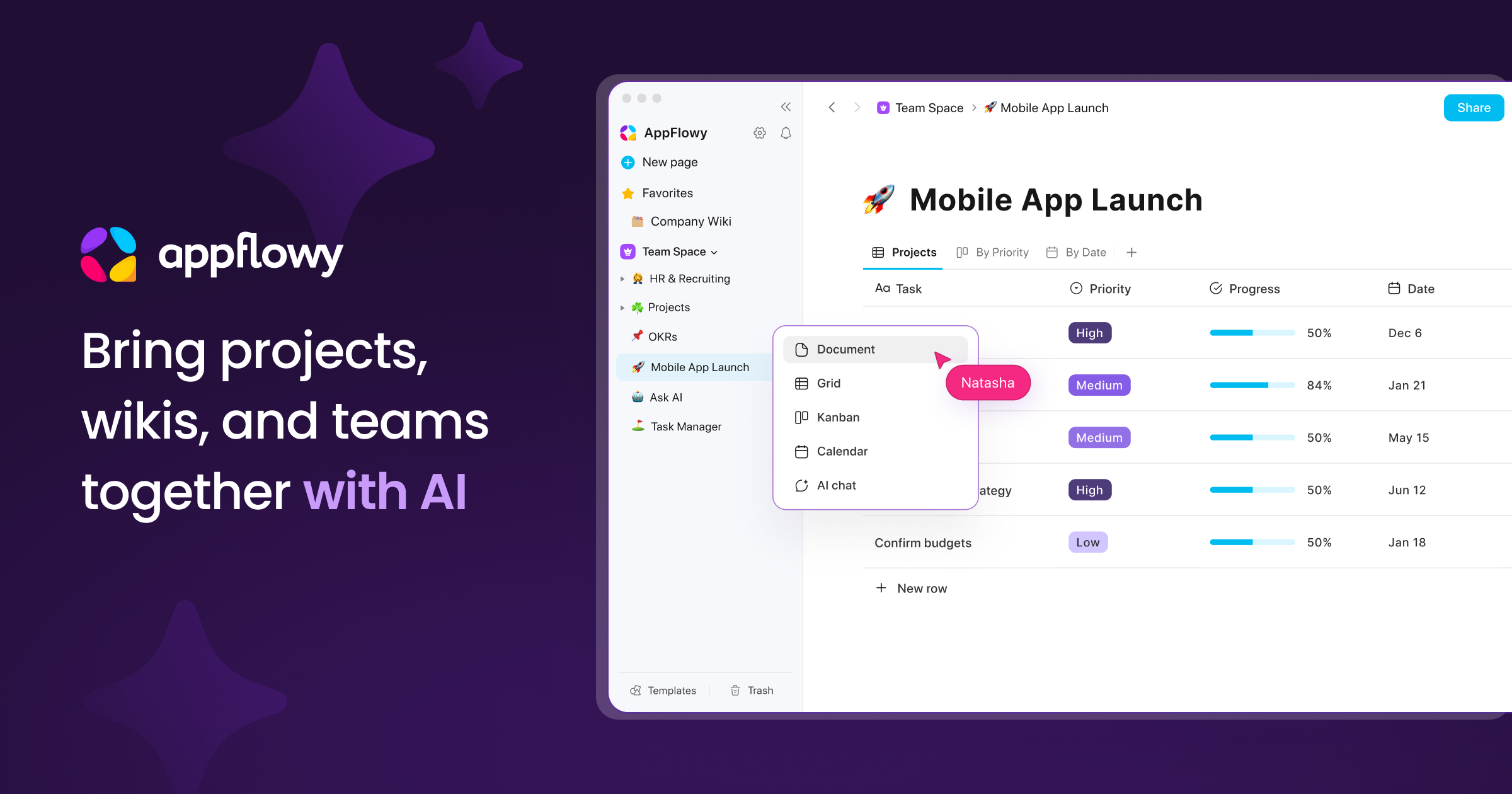
Official image from appflowy.io.
The decision table
| What is actually broken | Pick | Why |
|---|---|---|
| View and hierarchy sprawl, small team | Trello | One board, one card, nothing to nest |
| Engineering sprints and cycles | Plane | Jira-shaped without the admin overhead |
| Docs and tasks in one place | Notion | Databases replace lightweight tracking |
| Data must stay on your servers | Vikunja | AGPL, free self-host, four view types |
| Docs, boards and local-first sync | AppFlowy | Closest open-source workspace to Notion |
| Whiteboards were the real use case | Miro | Do not buy a task tool for a canvas problem |
Three traps in a ClickUp exit
The first is seat arithmetic. ClickUp counts members and guests alike on free, unlimited and full edit, but paid plans meter external guests; other vendors do the opposite, with cheap seats and guest limits. Count contractors separately, then add automation overage: one form submission can trigger four actions.
The second is import loss. ClickUp exports to CSV cleanly, and CSV carries rows, not structure. Folders, list-level statuses, custom field definitions, dependencies, recurrence and comment threads generally do not survive. Run one pilot Space through the importer, open ten random tasks, and verify fields and attachments before cancelling anything.
The third is buying view parity you never used: a timeline looks like a safe swap, and the same three people keep maintaining the same unused views.
Questions that come up
Can we just stay on ClickUp Free? Under a dozen people, small attachments and fewer than 100 automation actions a month — yes. Automations, not seats, force the upgrade.
Does ClickUp export to Plane or Trello? You get CSV or ClickUp-format JSON. Plane and Trello read their own structures and generic CSV, so expect to rebuild views and automations by hand.
Is Focalboard still usable? It runs, and the desktop edition is fine for personal boards. Unmaintained software is not where a team roadmap belongs.
Cheapest for 25 people? Trello Standard lands near $125 a month, Plane Pro near $150, ClickUp Core near $225, billed yearly. Self-hosting trades the licence for a server bill.
Export one Space this week, put the same five real tasks into two candidates, and run them for a sprint. Whoever opens the tool without being reminded wins. Then count who needs edit rights.
Plan limits and prices checked against clickup.com/pricing, trello.com/pricing, plane.so/pricing and vikunja.io on 6 November 2026; Focalboard’s README was checked the same day.