Every Airtable alternative list opens with a seat price. That number almost never decides anything. A four-person team comparing $20 against $10 a seat is arguing over $480 a year while the actual wall sits somewhere else: the record counter at the top of the base, the one that turns red at 1,000 on the free plan and stops accepting pastes.
So this is not a ranking by price. It is a comparison of what each tool meters, read off the vendor pages on 31 October 2026, because the caps are what force the decision. Airtable’s free plan is unusually generous in one dimension — unlimited bases, five editors — and unusually tight in another: 1,000 records per base, with 1 GB of attachments and 100 automation runs. A client tracker for a freelancer clears 1,000 rows in a quarter. Nothing about that migration starts with a pricing page; it starts with a paste that fails on a Tuesday.
What each option actually meters
NocoDB is the closest thing to a drop-in clone and the cheapest place to land if you already rent a server. Self-hosting is free and the project is open source; the hosted free tier is tighter than Airtable’s, at three editor seats and 1,000 records, so the cloud plan is not where you go to escape a cap. Plus runs about $12 per seat a month billed annually for 50,000 records, and Business doubles to roughly $24 for 300,000 records and external database connections — the point where NocoDB stops pretending to be a spreadsheet and starts being a front end for Postgres or MySQL you already own. That last feature is the reason to pick it over Baserow.
Baserow has the calmest interface of the open-source group and the clearest free tier: 3,000 rows per workspace, 2 GB of storage, 2,000 automation credits, all views. Premium is about $10 per user a month billed yearly ($12 monthly) for 50,000 rows, Advanced about $18 ($22 monthly) for 250,000. Note the unit — rows are counted per workspace, not per table. Many small tables fit comfortably; one 60,000-row import does not, and neither does splitting it across five tables to dodge the counter. Self-hosting is free and takes a Docker compose file and a backup habit.
Teable meters rows per space too, but starts lower and scales harder: 1,000 rows on the free plan, 250,000 on the first paid space, 1,000,000 on the next, with no limit on rows inside a single table. It stores data in Postgres natively rather than bolting a database on later, which is the reason a technical team picks it over the two above. The trade is a younger ecosystem — fewer templates, fewer integrations, and a smaller pool of people who have already hit its bugs.
Grist is the odd one and worth trying before you commit to a clone. It is a spreadsheet first and a database second: formulas in Python or Excel syntax, per-column types, real references between tables. It is open source and self-hostable; the hosted plan is aimed at individuals, so check the current cap before assuming it replaces a paid Airtable base. For a budget model or an inventory sheet with arithmetic, Grist is more pleasant than any grid-plus-relations clone, and that is a real category of “database” people forget they are in.
Google Sheets deserves a paragraph because it is the honest answer for a large share of searches. A spreadsheet holds roughly ten million cells, costs nothing, and Apps Script covers the automation that Airtable charges runs for. Under about 20,000 rows with a handful of editors it wins on every axis except looking like software. What it does not give you is typed relations, per-record attachments or a form that writes into a linked table — the three things that made Airtable worth paying for in the first place.
Notion databases are the right move only if the table lives next to the writing. If the “base” is a content pipeline, a reading list or a hiring tracker that people already discuss in docs, moving it into Notion removes a subscription instead of adding one; our Notion alternatives guide covers the reverse trip for teams leaving. If it is an operational table with 30,000 rows and four automations, Notion will disappoint you by Thursday.
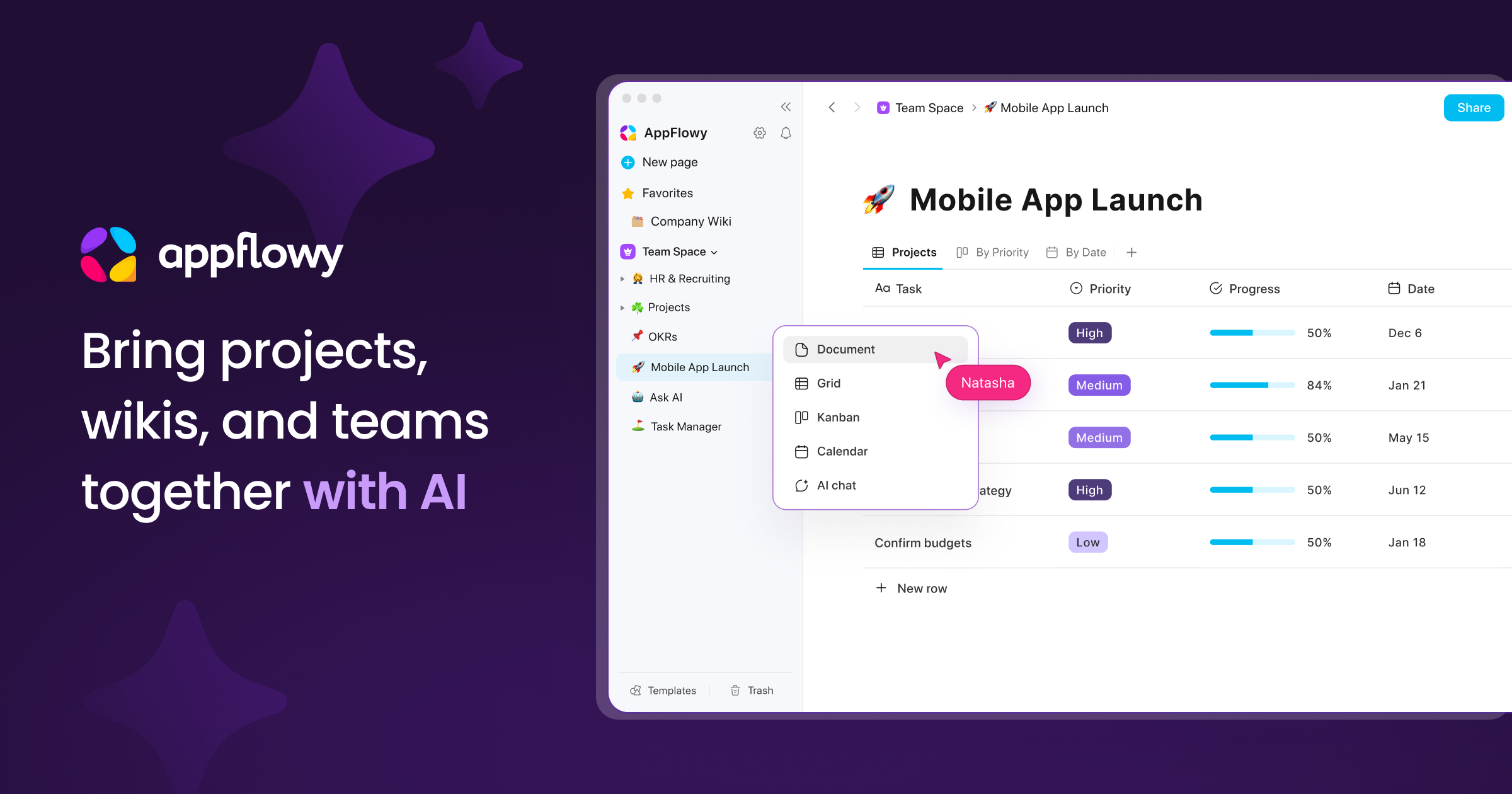
Official image from the AppFlowy website, another open-source option in the same family.
Where the switch actually breaks
The migration is not the hard part, which is why the guides that stop at export instructions are useless. Three things break, and they break in order.
CSV flattens your relationships. Export a table and every linked-record field becomes a comma-separated string of names; attachments leave the file entirely. Rebuilding two linked tables by hand is an evening, not an afternoon, and the attachments need a separate export or an API script. Budget the cleanup, not the export.
Automations have no export format. Airtable’s free plan allows 100 automation runs a month, Team raises it to 25,000, and every one of those rules is a decision about triggers someone made months ago and forgot. Rebuild them in NocoDB or Baserow and you will re-litigate each one — usually finding that a third of them never fired anyway.
“Self-hosted is free” hides a salary. A $6 server, a weekly snapshot and someone who owns upgrades is a real monthly cost, small but not zero. If nobody on the team will patch it, the hosted clone at $10 a seat is cheaper than the free one.
And one reason to stay: client-facing interfaces. Airtable’s Portals add-on starts around $120 a month for 15 guests on Team, and the interface builder behind it is still better than what the clones ship. If outsiders log in to your base, that gap is the product you are paying for — the same argument that keeps people on Trello long after the cards stop being the point, which we covered in leaving Trello in 2026.
A four-person team, decided in an afternoon
Split the bases by audience instead of migrating everything. Keep the one base that clients log into on Airtable Team and pay for the two or three seats that touch it. Move the internal operations base — the 5,000-row one nobody outside sees — to self-hosted Baserow, where rows cost disk instead of dollars. Leave the tracking sheets in Google Sheets and stop pretending they are a database.
The rule underneath: pay per seat for the tables other people see, and pay per server for the tables only you see. Every alternative above is a worse Airtable in some dimension; the question is whether that dimension is one your team uses. Our roundup of AI tools for business covers the neighbouring decisions — CRM, docs, meeting notes — where the same logic applies.
Prices and plan limits checked against airtable.com, nocodb.com, baserow.io, teable.io and getgrist.com on 31 October 2026. No vendor paid for placement; caps change, so confirm on the official pricing page before you commit a team.